

- Developer
- Google LLC
- Installs
- 100M+
- Downloads
- 0
- Views
- 10
- Updated
- Nov 5, 2026
Screenshots
About Snapseed
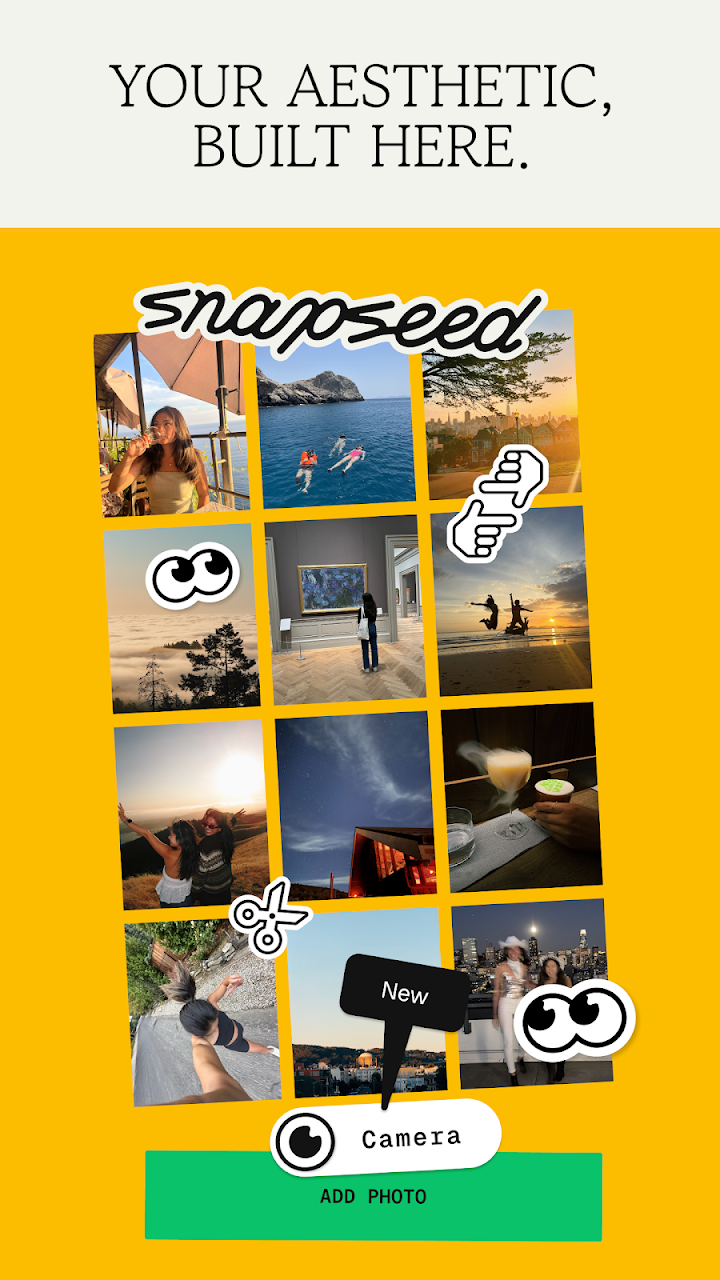
Snapseed is a complete and professional photo editor developed by Google. Pro-level tools, authentic film simulations, smart masking and more — all with no strings attached.
== KEY FEATURES ==
- No Strings Attached: Get 30+ pro tools and filters - no subscriptions, purchases, ads, or watermarks
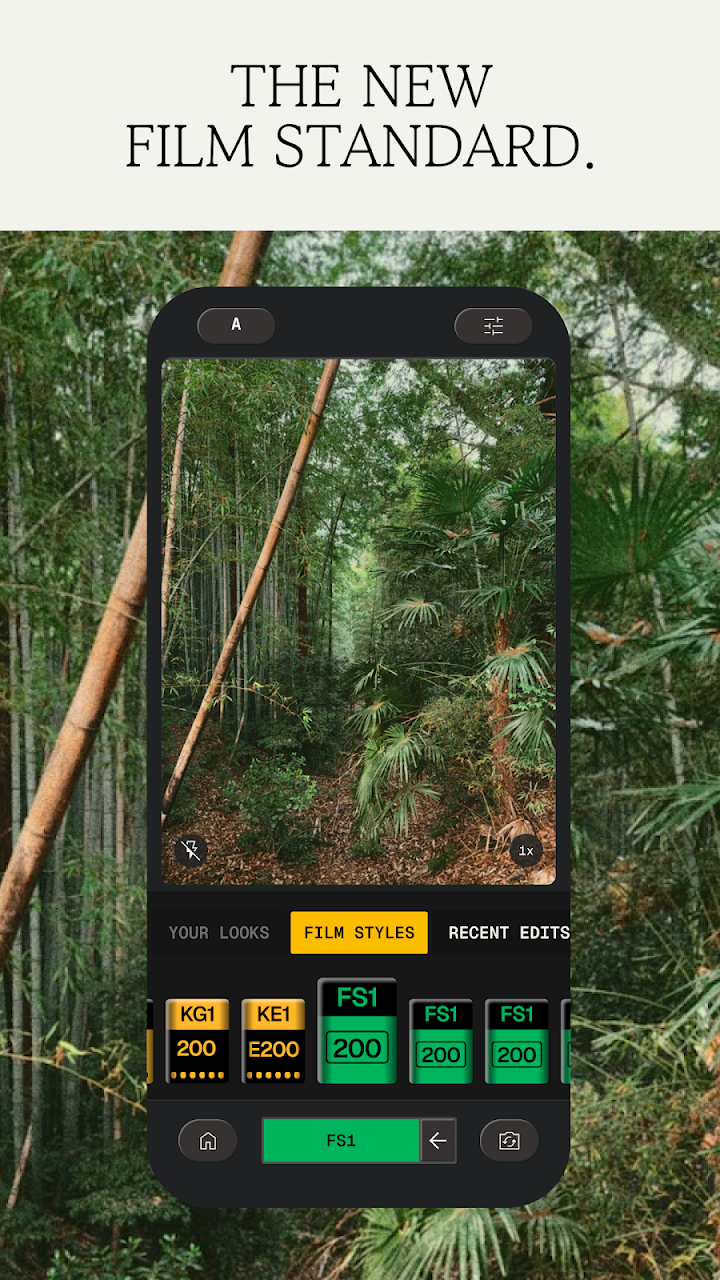
- Vintage Styles: realistic film filters, plus Halation, Bloom, and Grain tools
- Smart Masking: Instantly and intelligently isolate subjects or backgrounds with a single tap for fast, targeted edits
- Batch Editing: Quickly apply your favorite looks and edits to multiple photos
- Snapseed Camera: Capture using custom styles or film looks. Save time with real-time effects that can be edited or reset later
- Non-destructive Editing: Easily undo changes or revert to your original photo at any time
- RAW Support: Open and edit JPG and RAW files with precise control
- Community Looks: Explore featured edits from photographers in the Discover tab and make them your own
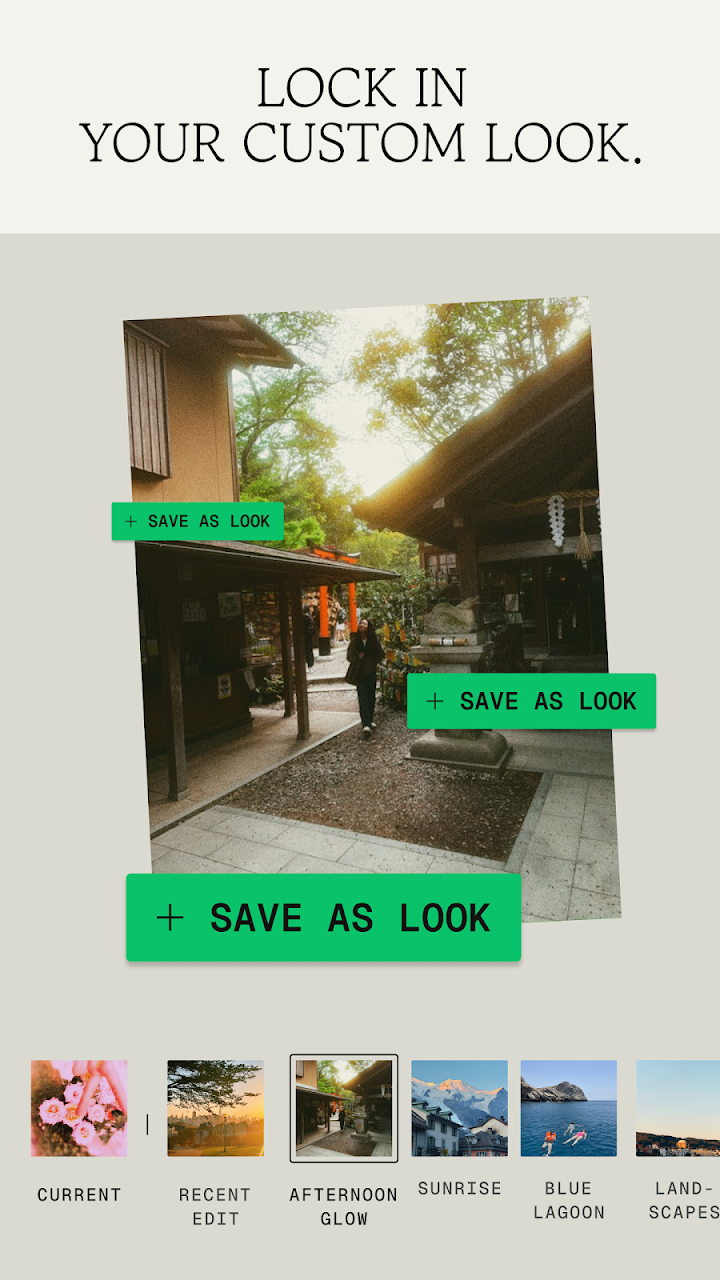
- Custom Presets & LUTs: Import .xmp presets, 3D LUTs (.cube, .png), QR Looks, or .zip packs to build your style library
== PRO TOOLS & FILTERS ==
- Adjust – adjust exposure and color automatically or manually with fine, precise control
- Selective – precisely adjust brightness, contrast, or saturation in specific areas without affecting the rest of your photo
- Healing – remove the uninvited neighbor from a group picture
- Film – get beautiful looks with our completely updated, realistic film simulations of historic film stocks
- Motion Blur – add a sense of speed with realistic directional motion trails across the scene, background, or moving subjects
- LUT – apply imported 3D Look-Up Tables (.cube, .png) for instant color grading with adjustable strength
- Halation – add an authentic highlight glow to replicate classic analog lens effects
- Bloom – create a soft, dreamy optical diffusion to light sources for a cinematic finish
- RAW Develop – open and tweak some RAW file types
- Double Exposure - combine two photos using blend modes inspired by film and digital processing
- Portrait – modern tools to quickly enhance lighting, adjust poses, and refine facial features
- Details – magically brings out surface structures in images
- Crop and rotate – crop to standard sizes, rotate by 90°, or straighten a skewed horizon
- Perspective – fix skewed lines and perfect the geometry of horizons or buildings
- White Balance – adjust the colors so that the image looks more natural
- Brush – selectively retouch exposure, saturation, brightness or warmth
- Vignette – darken image corners for a classic photographic effect
- Curves - have precise control over the brightness levels in your photos
- Color HSL – precisely adjust hue, saturation, and luminance of any color
- Color Grade – style photos cinematically with independent color wheels and luminance controls for shadows, midtones, and highlights
- Dehaze – instantly clear haze, fog, or glare for better contrast and detail
- Lens Blur – add a beautiful depth and object-aware Bokeh to images (background softening)
- Black & White – classic Black and White look straight out of the darkroom
- and more!